Meltvest AI
Monitor 1
Monitor 2
AI chat assistant
Write what you need and configure your workspaces manually with assistant support, using natural language and app context.
Control Meltvest your way: with chat, keywords, shortcuts or by talking to your new voice assistant.
Write what you need and configure your workspaces manually with assistant support, using natural language and app context.
Take the reins of your desktop workspace.
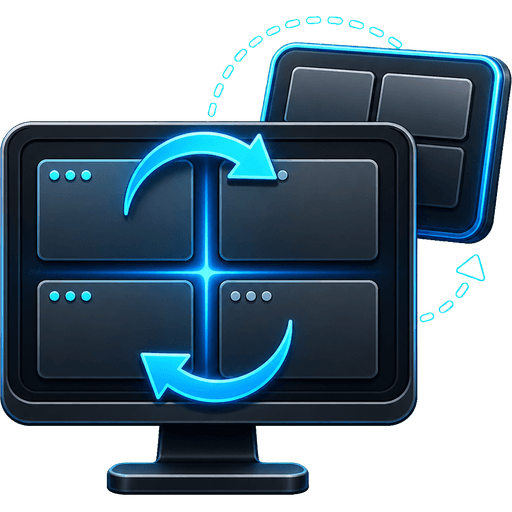
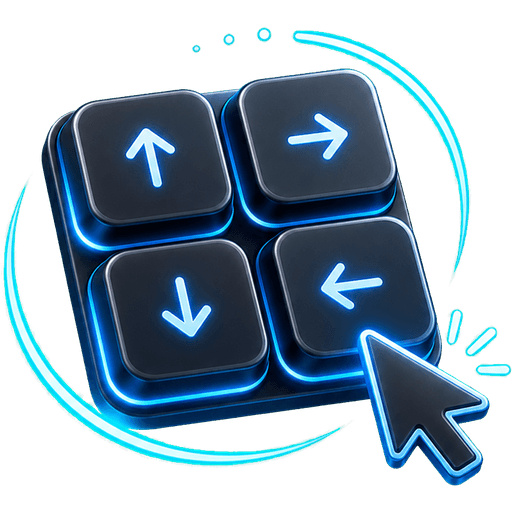
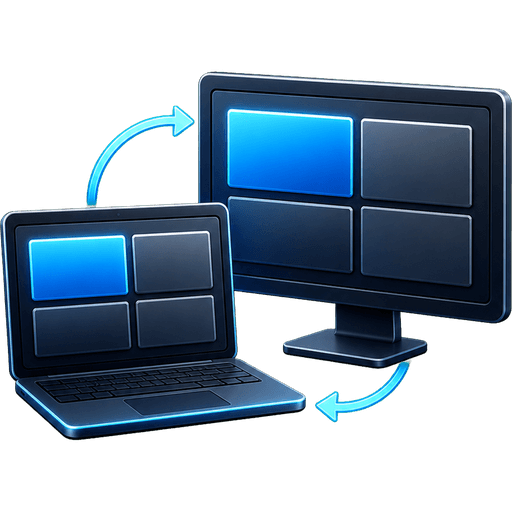
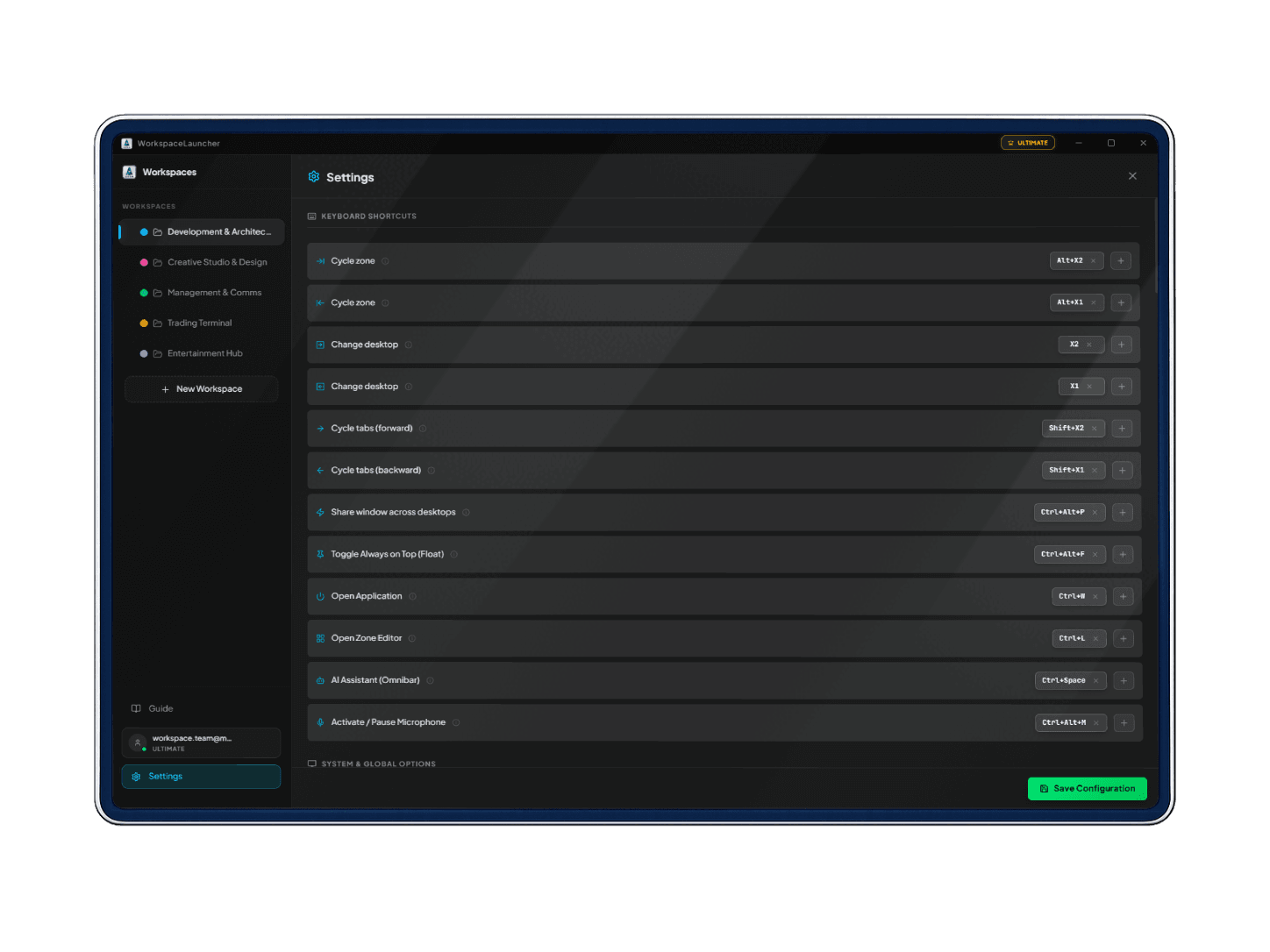
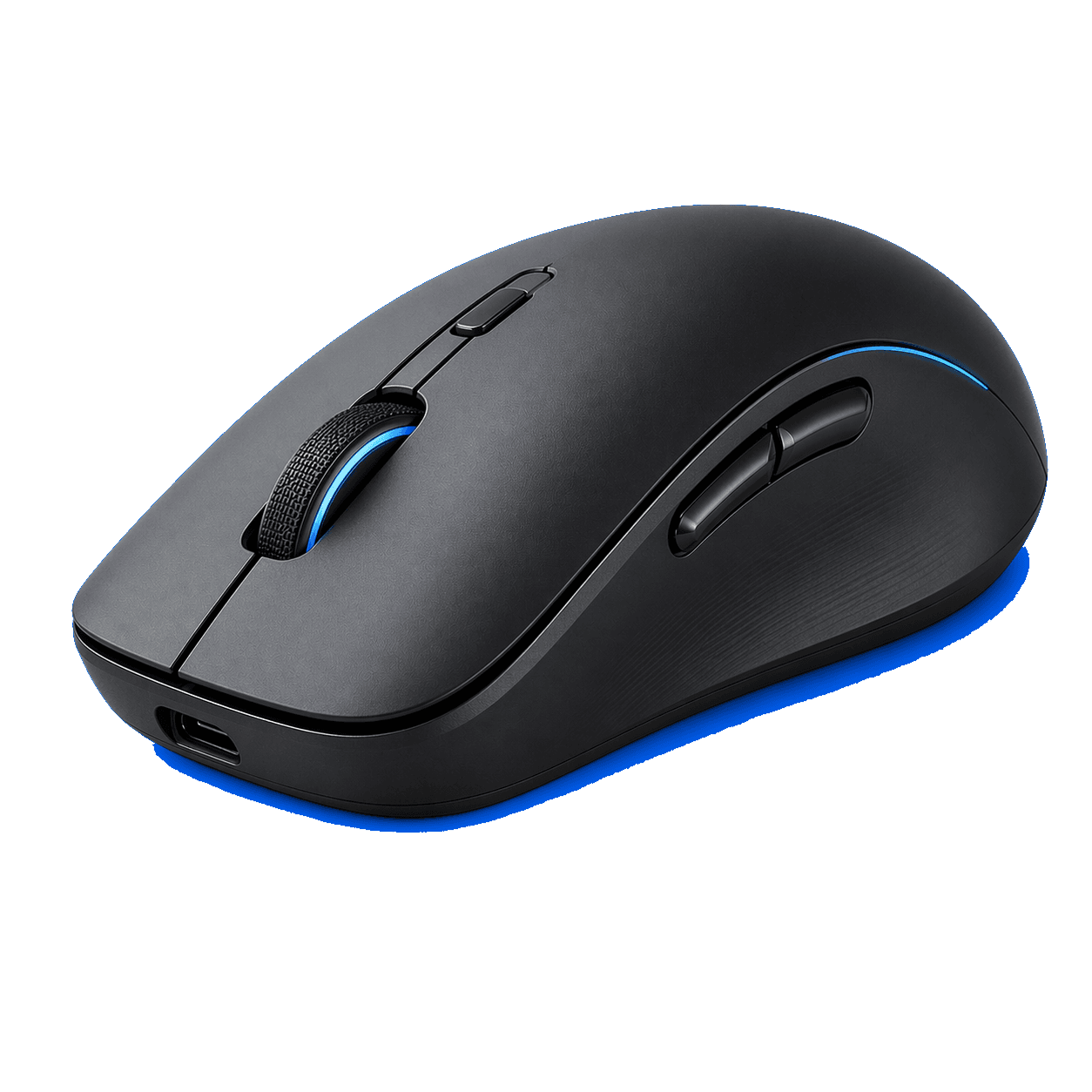
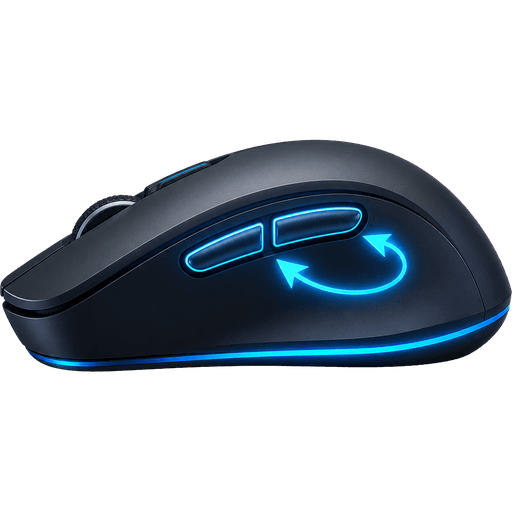
Your mouse's two side buttons, tapped, held or combined with Alt and Shift, are enough to move between desktops, zones and tabs without letting go of the mouse or hunting for three-key shortcuts.
 VS Code — main.tsx
 Terminal — pnpm dev
~/app $ pnpm dev
▲ Next.js 16.3
✓ Ready in 812ms
○ Compiling / ...
✓ Compiled
Your thumb goes forward with X2 and back with X1. No Ctrl + Win + arrows, no touchpad gestures: every work context one click away.
In the app: Settings → Shortcuts → “Add optional preset” assigns all of it in one click.