Watch your work setup open itself.
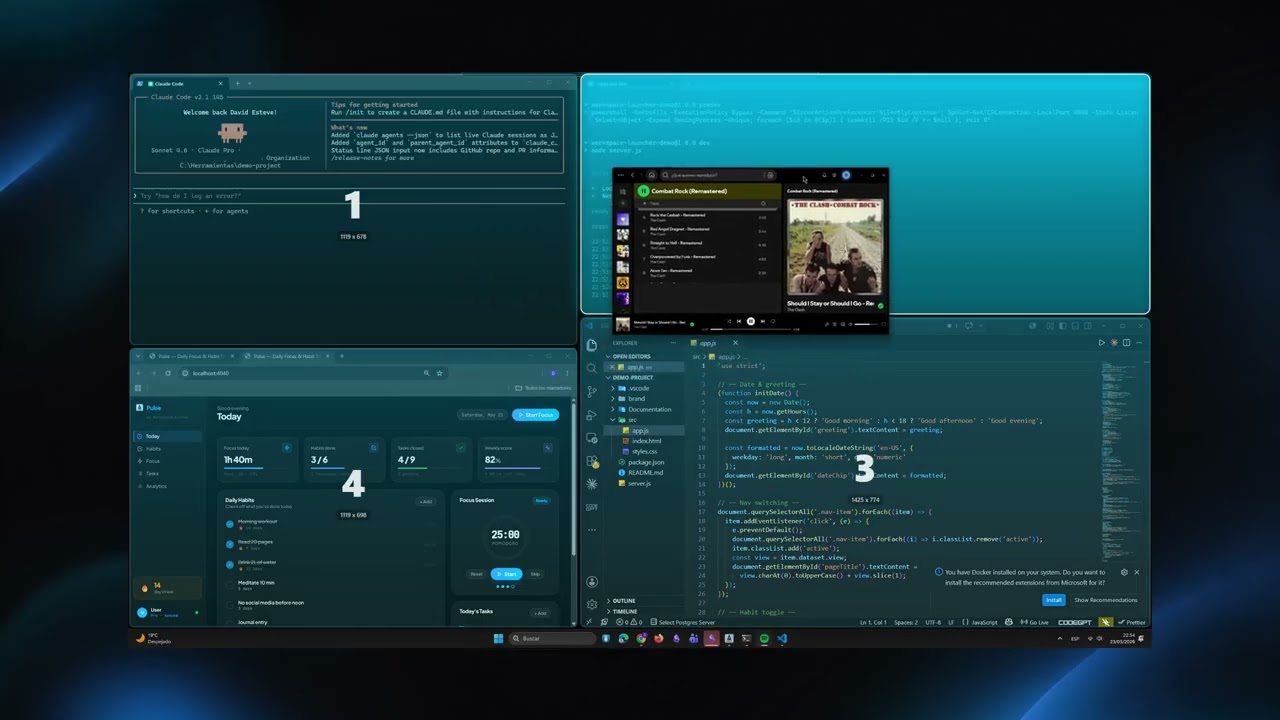
One click and everything you saved comes back: apps, tabs and screens, each in its place.
Feature Videos
See it in action.
Short walkthroughs for each feature — so you know exactly what to expect before you start.
One click and everything you saved comes back: apps, tabs and screens, each in its place.
Short walkthroughs for each feature — so you know exactly what to expect before you start.