Voice assistant, omnibar and AI chat for Windows. Speak a request or use quick search and chat to work with your Windows environment. Optional AI and voice capabilities depend on your plan, configured services and permissions.
Understands and controls
your computer.
It sees what is on your screen, understands any window and acts for you: it opens your apps, uses their controls, answers your questions and tidies your desktop. Just ask.
- Understands any window and answers your questions
- Acts inside your apps, whichever they are
- Several tasks in a single sentence
- Controls Windows and your workspaces
- With the personality and voice you choose
Ask for a workspace.
The chat builds it with you.
Workspace Launcher has its own AI chat. You say what you want; it asks for what's missing, shows you the options when in doubt and leaves everything in a draft.

And without opening the chat: AI on every screen
While you use the app by hand, a ✦ button does the heavy lifting with what it already knows about your windows and screens.






- Edit with AIWorkspace list
- Review with AIWindow capture
- Optimize wheel with AIMouse gestures
- Improve transcription with AITranscriber
- Another layout with AIScreen profiles
- Create profile with AINew screen setup
- Readjust with AIChat
Ask from any app,
without opening anything.
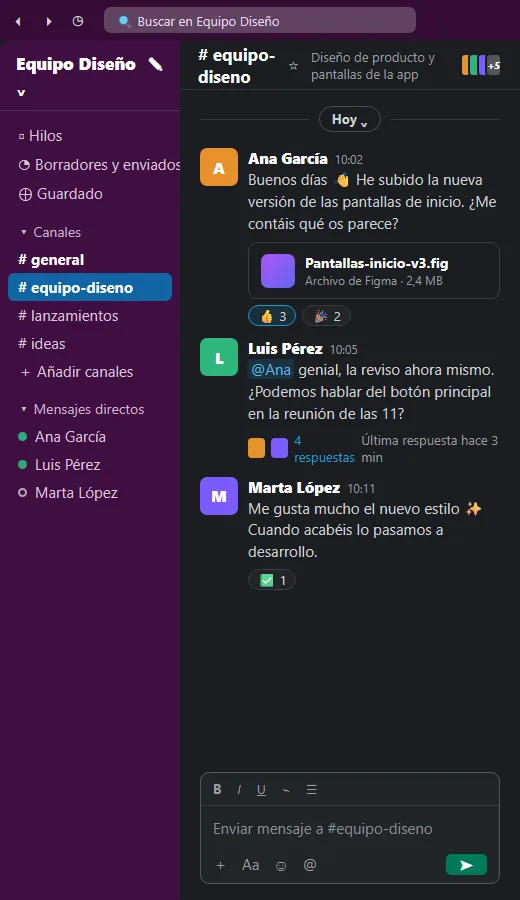
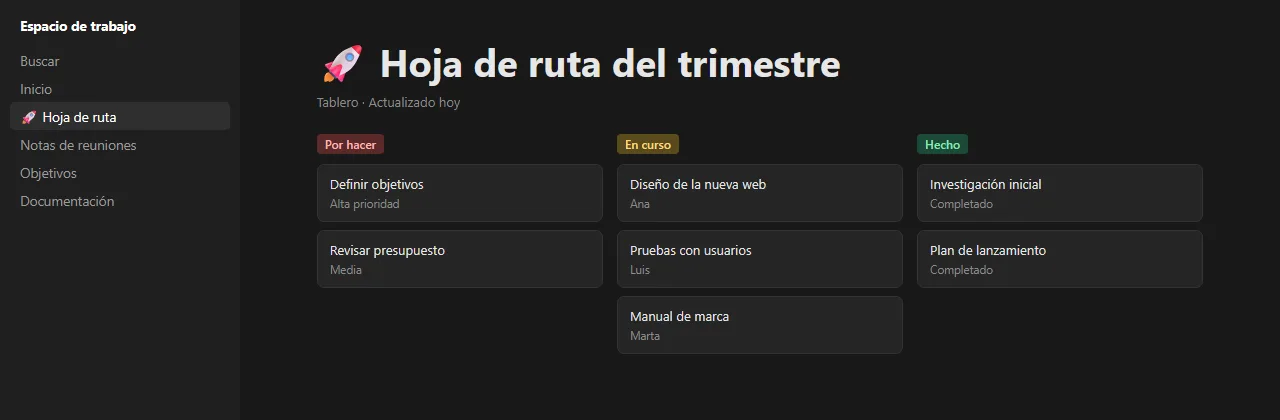
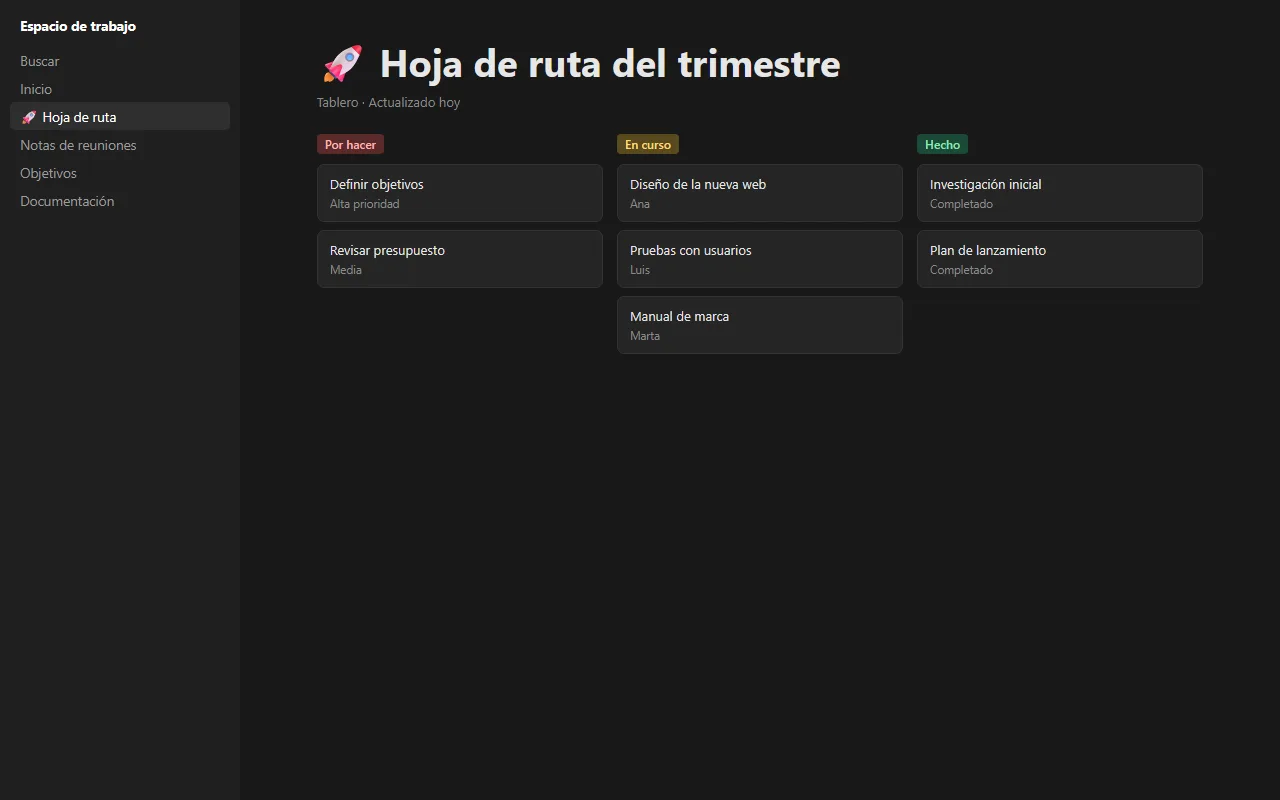
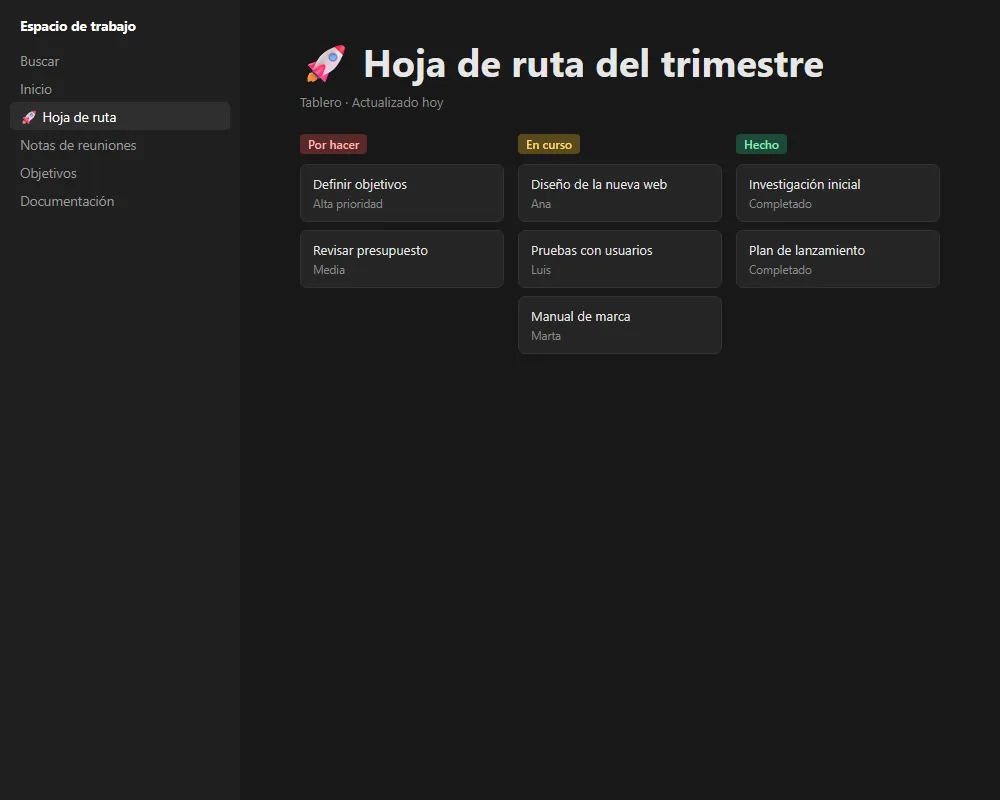
A bar that appears with your shortcut on top of whatever you're doing: it suggests what to do with the app in front and, when you select windows, the AI proposes the next step.
- Suggestions for the app in front
- Autocompletes with your apps and windows
- Ctrl + click: AI ideas for your windows
- Still works without AI
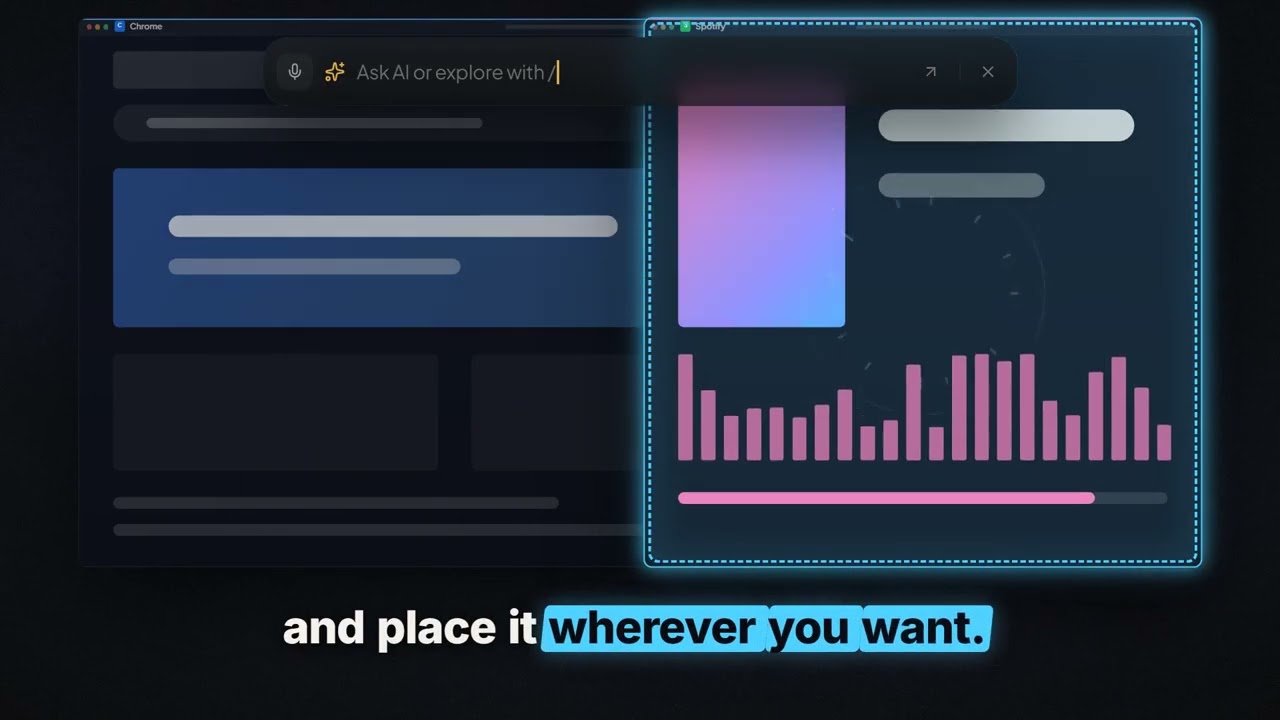
See it in a minute · 1:09 min
You've been your apps' errand runner for years
A bar on top of whatever you're doing: open apps, search, sum up marked windows and run your own commands.
See all guidesYour projects, one command away.
The Omnibar is the gateway between you and what you have already built. Connect your projects, scripts or services to a shortcut of your own and launch them from any app. Your AI agent sets it up for you by reading the guide the app includes.
- A shortcut of your own for every project or tool
- Parameters with suggestions and the result in the bar
- Your agent connects it by reading the app's guide
Your agent connects your tools


Each connection is stored encrypted on your PC, and an agent only runs it if you allow it.

See it in a minute · 1:09 min
Your AI agent is locked inside a window
Connect Claude, Codex or Cursor once: it sets up your environment and brings your project's functions to the Omnibar.
See all guidesThe AI costs you cents a month.
It comes connected and optimized. And if you like, free on your PC.
- Connected to OpenRouter
- Tested models
- Mix it with local
How it spends so little
 «Open YouTube»
 InstantJev
 FastGemini Flash-Lite
 MainGPT-6 Luna
 On your PCOllama · €0
- Easy things, instantly
- Just the right context
- The right model for each job
Rough figures with the Simple level and public OpenRouter prices; each provider bills its own. Models may change. Workspace Launcher plans are separate.