 Workspace
 Workspace Launcher user guide
Learn to prepare, recover and control your workspace.
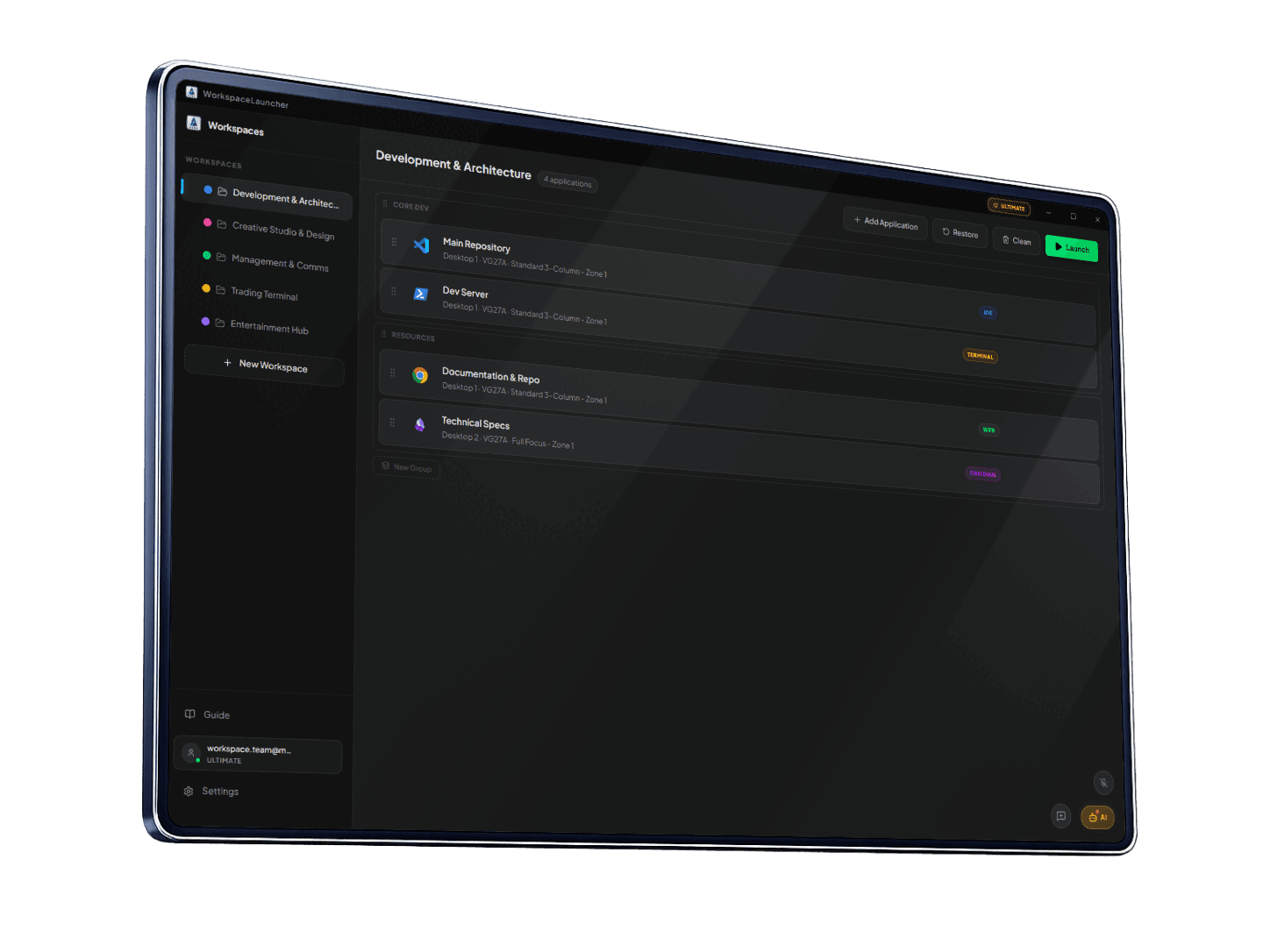
Workspace Launcher saves the tools and arrangement you need for a task. Recover that environment and control windows with buttons, shortcuts, gestures or voice.
Start with your task
Understand the idea
Create my first workspace
Save my open windows
Arrange windows
Use the mouse or voice
Solve a problem
Find what you need
In the app, Help → Full guide opens this documentation in your browser. If your version does not show that button, you can open this page directly.
The sidebar groups topics and the article contents link to individual sections. Open search or press Ctrl+K and type “capture”, “monitor” or “dictation”. Language switching keeps the article.
New users can follow concepts → first workspace → launch → capture. Experienced users can go straight to their task.
Availability
Options depend on your version, plan and settings. If something is missing, check your installed version and Account. Screenshots are visual references; your theme may look different.
Reviewed on